
Hi! Here is a step-by-step guide to setting up your coaching app.
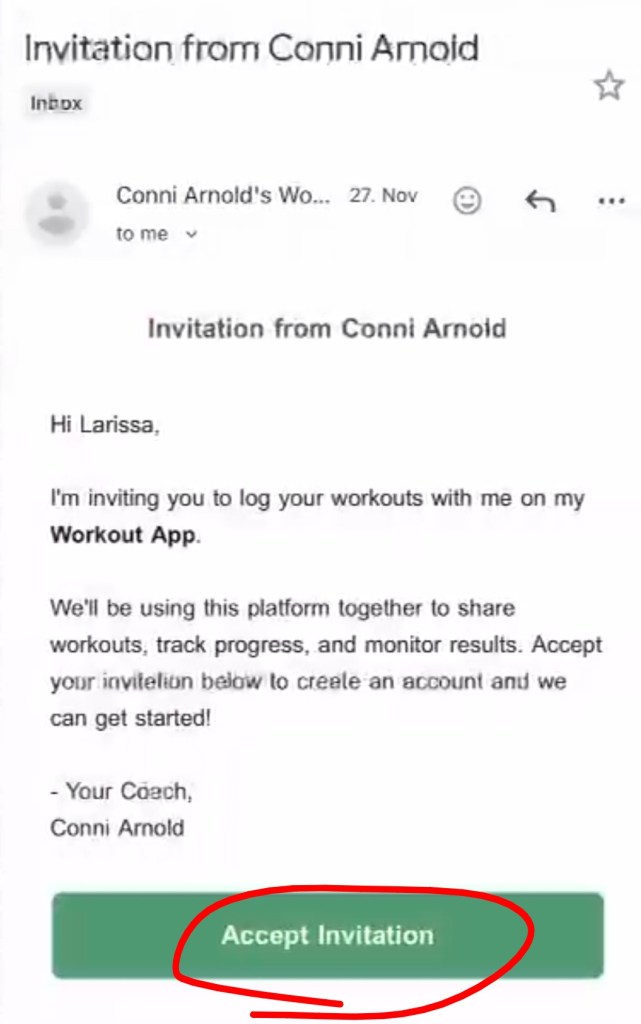
Check your email for an invite and click “Accept invitation”.
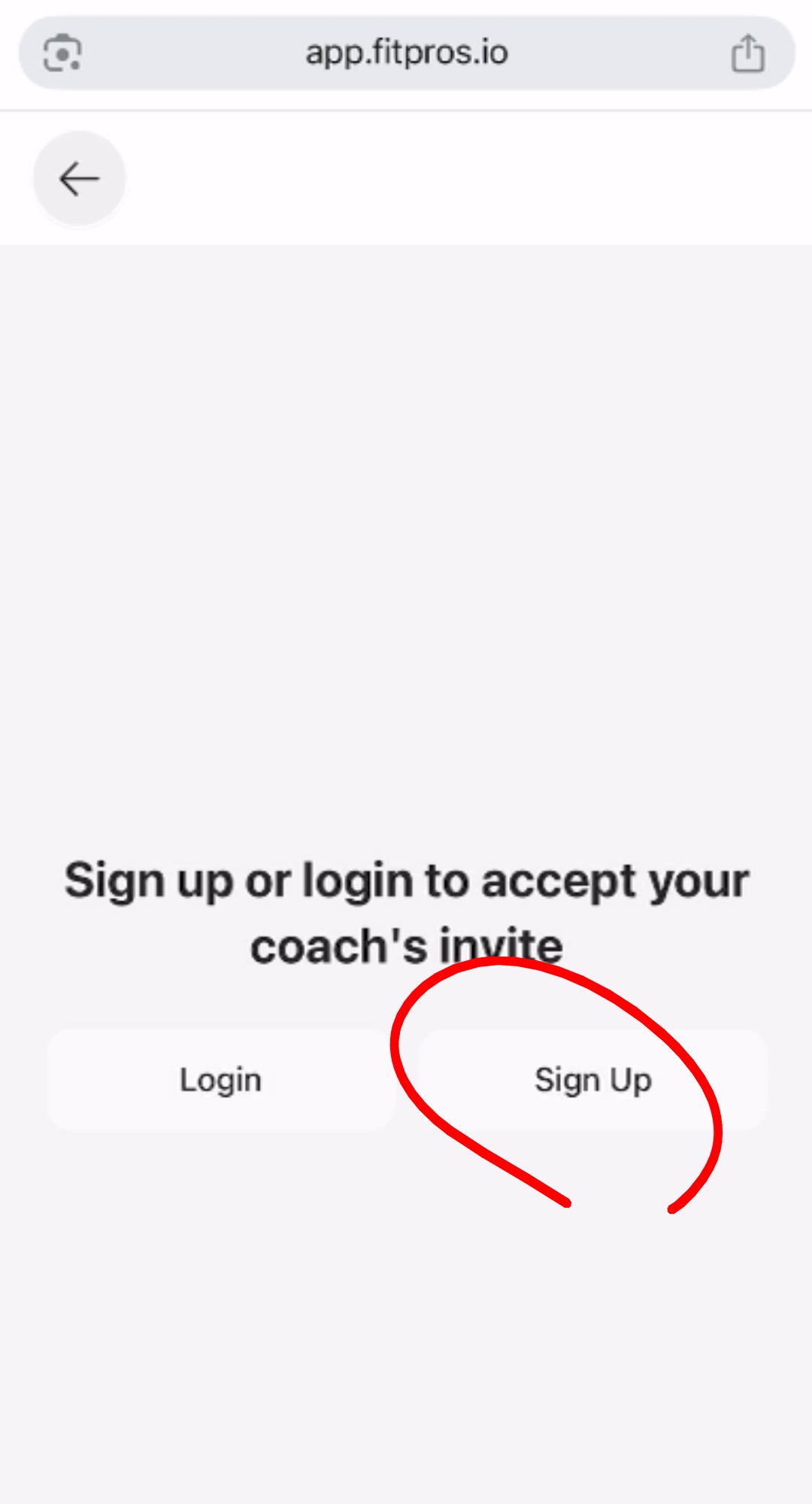
Click “Sign up”.
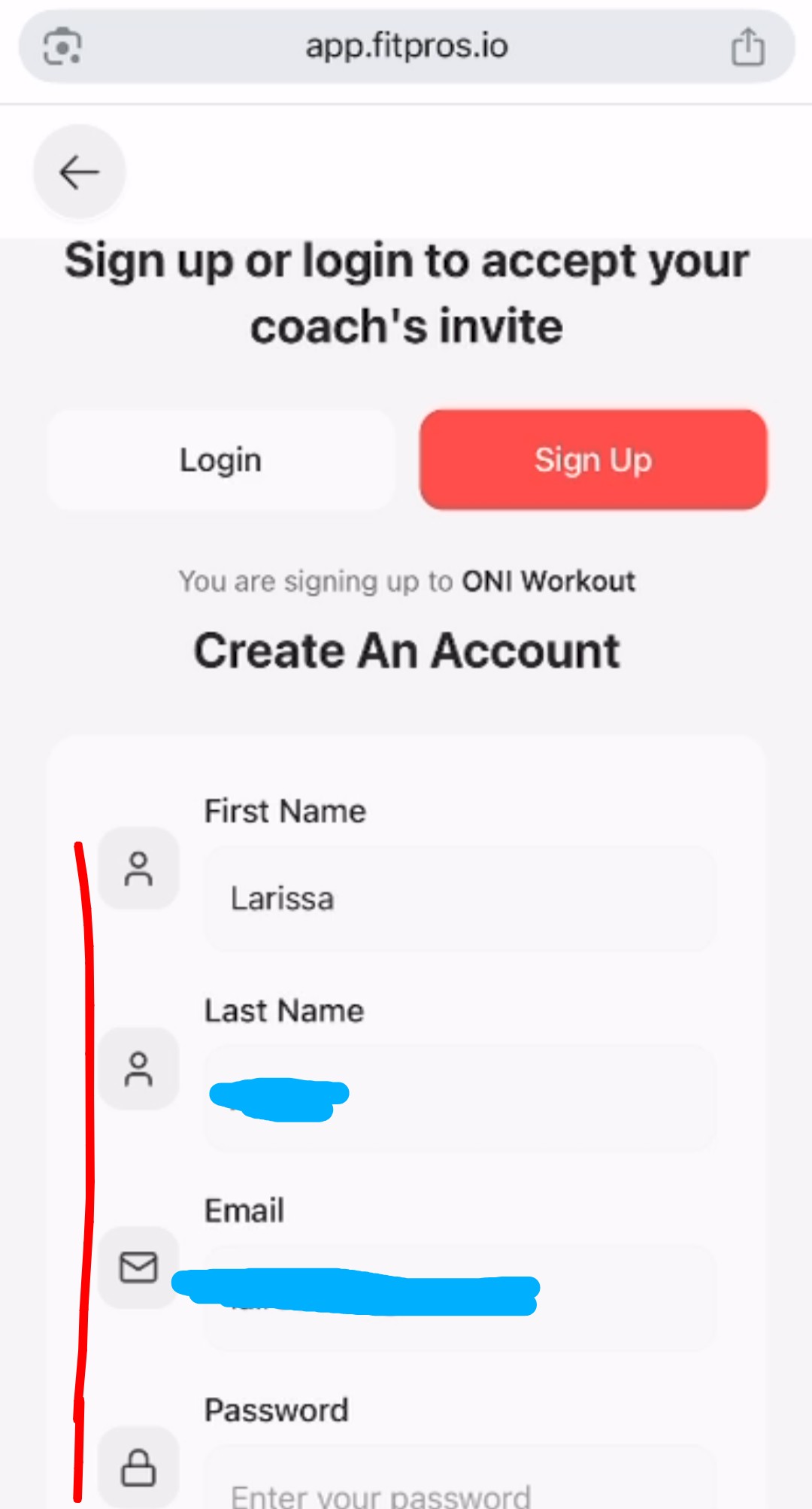
Follow the instructions to create your account:
Follow the instructions based on which device you have (note you should already be on an internet browser so don’t need to open a new one – this confused a few people):
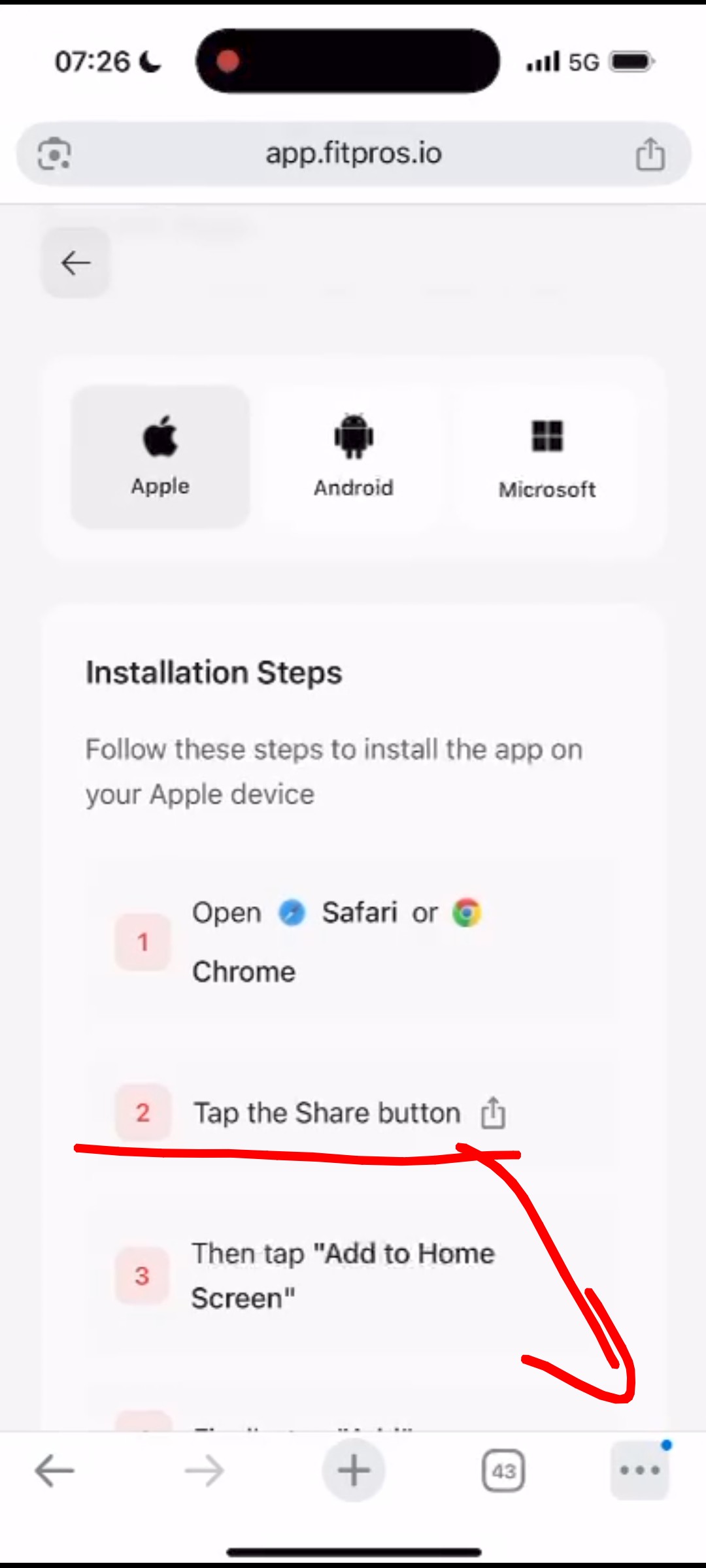
Click ‘add to home screen’:
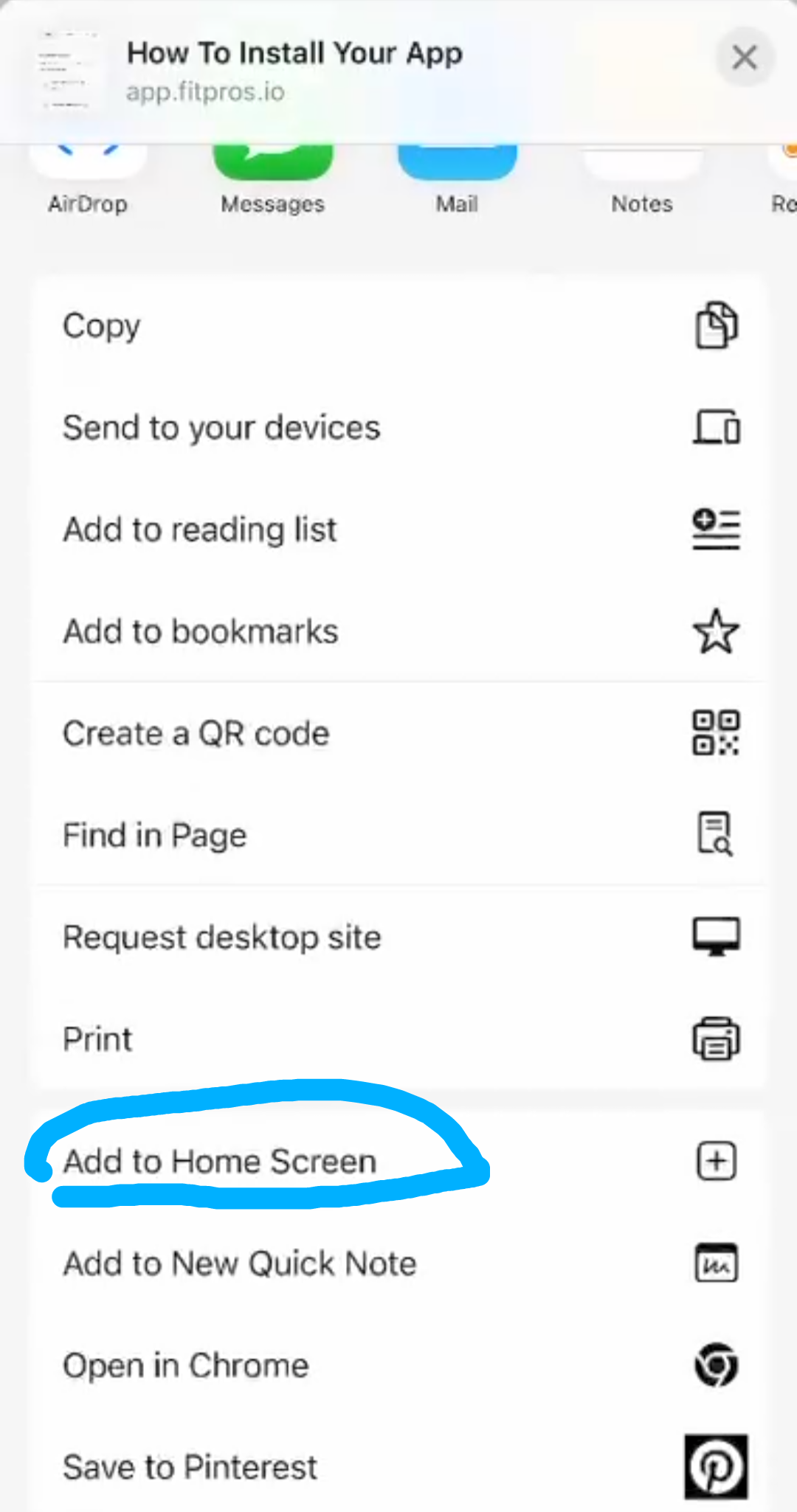
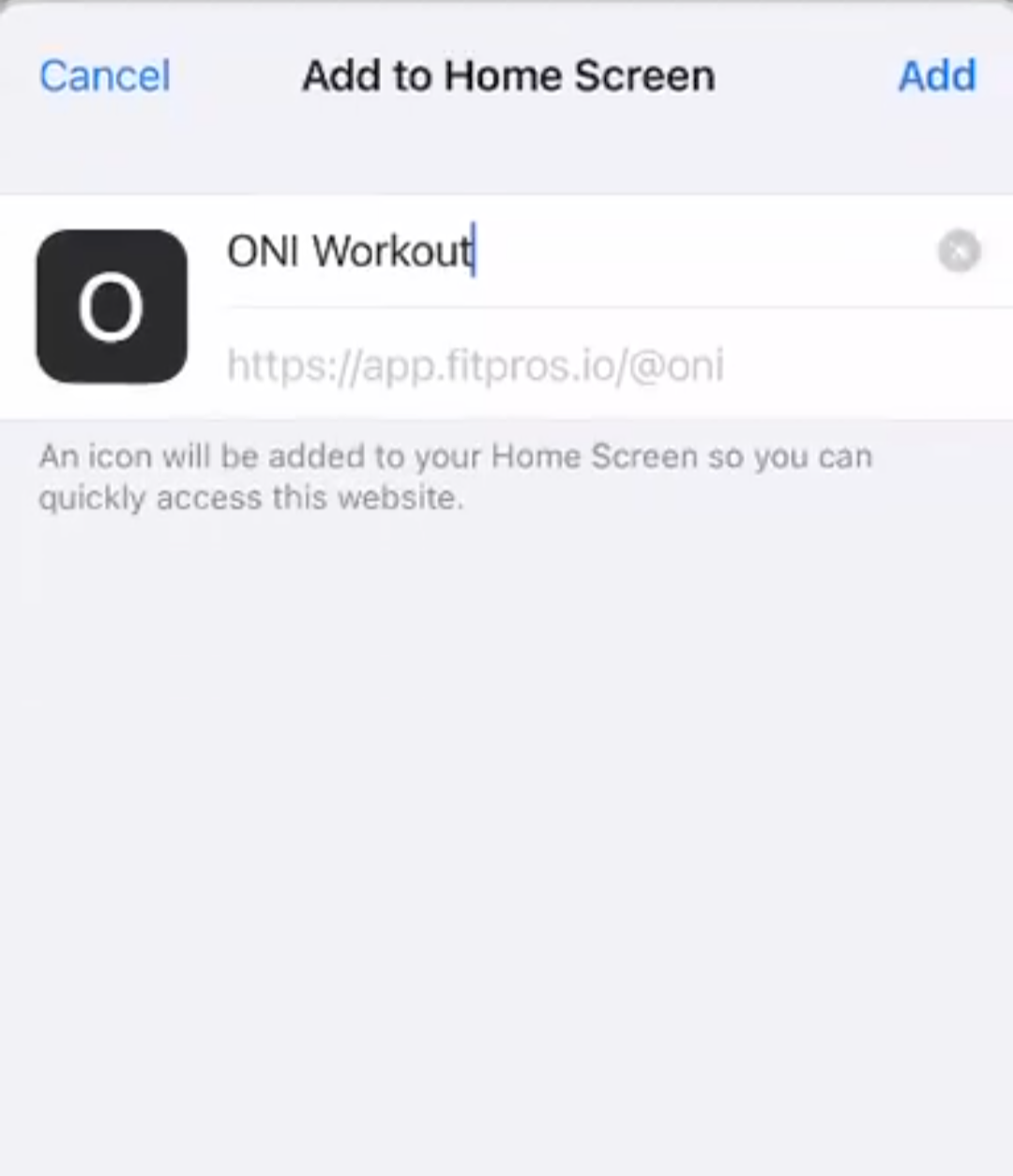
It should look like this (note: it will likely say ‘FitPros’, not ‘ONI Workout’ – they changed names):
It will look like this on your phone:
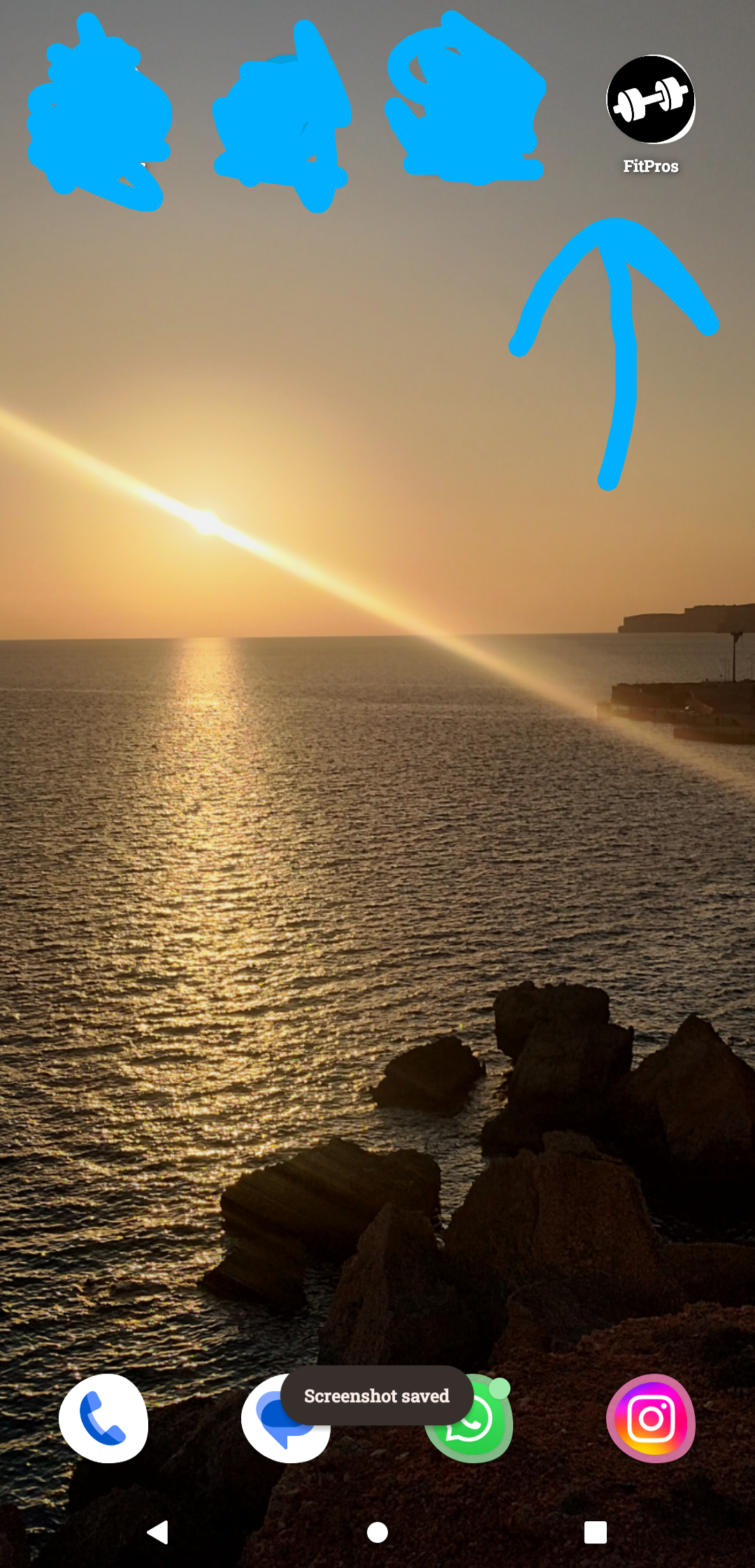
Click on the app, and sign in to your account when prompted:
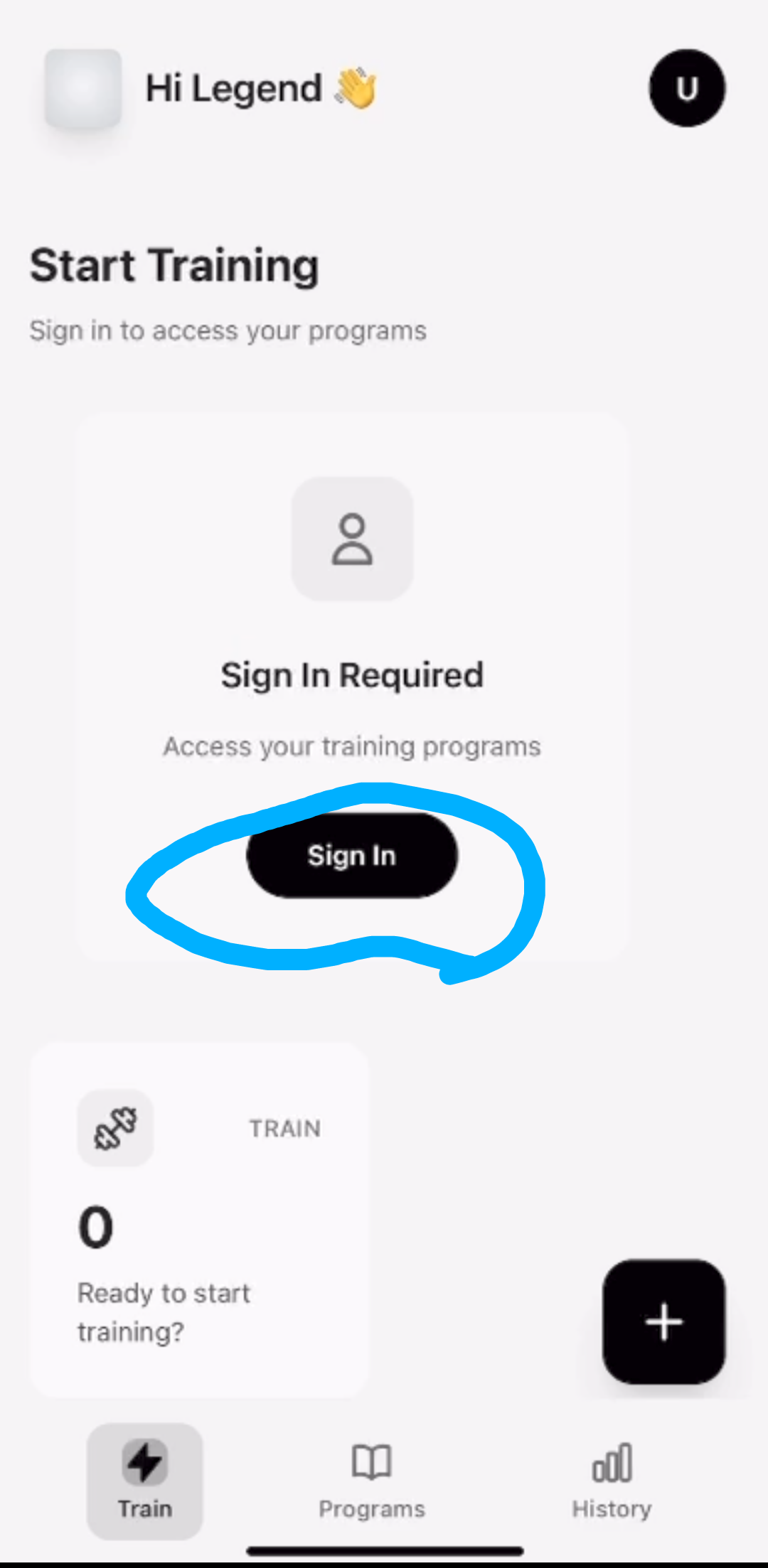
This is how it will look once you are signed in! 🙂
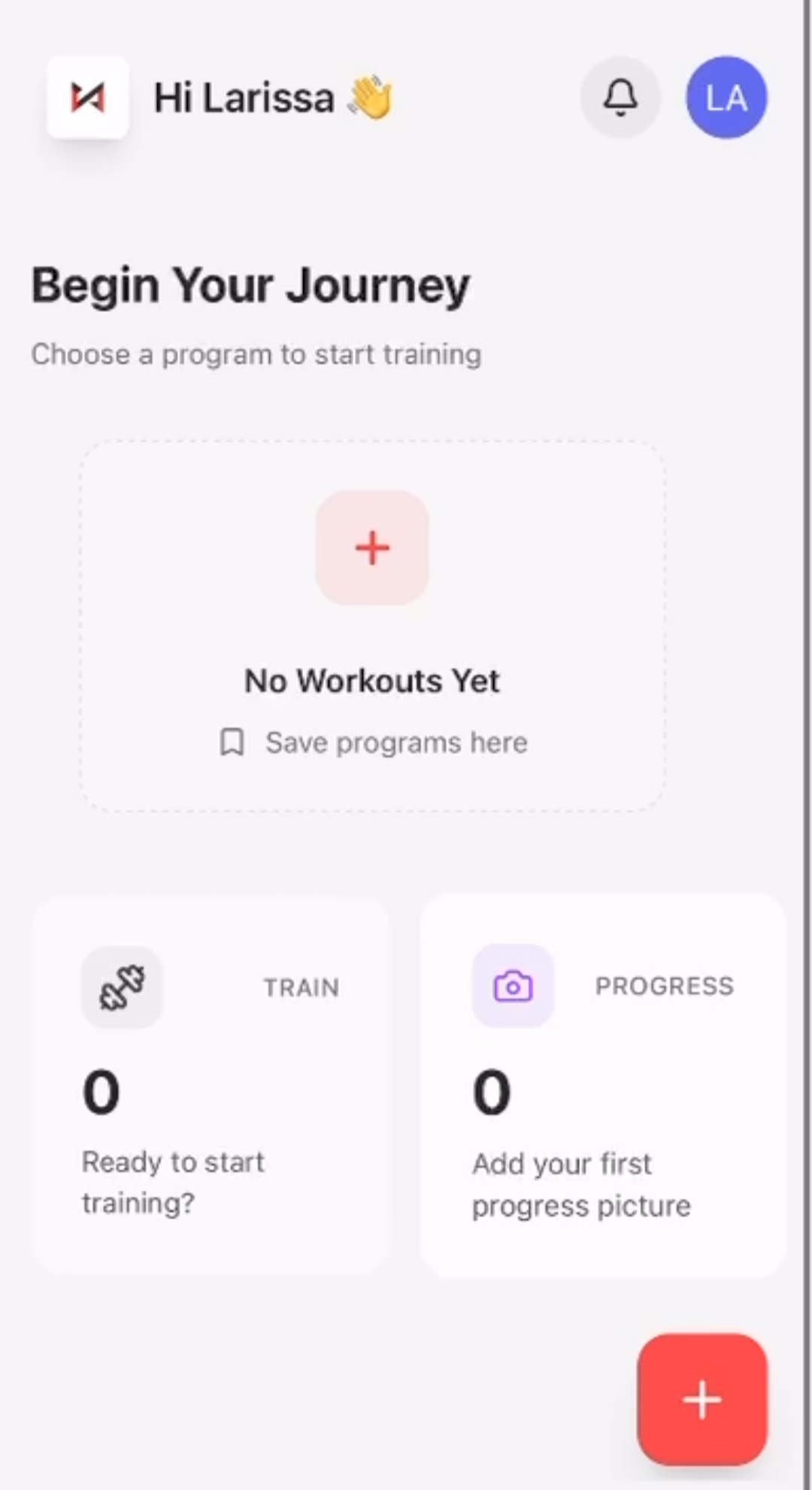
Here is a video walk-through of the features of your workout app:
Give me a shout if you have any questions.
Conni
 Conni Arnold Fitness